
Swimming Club Manager
Run your club's swim meets from one Google Sheet
How it works
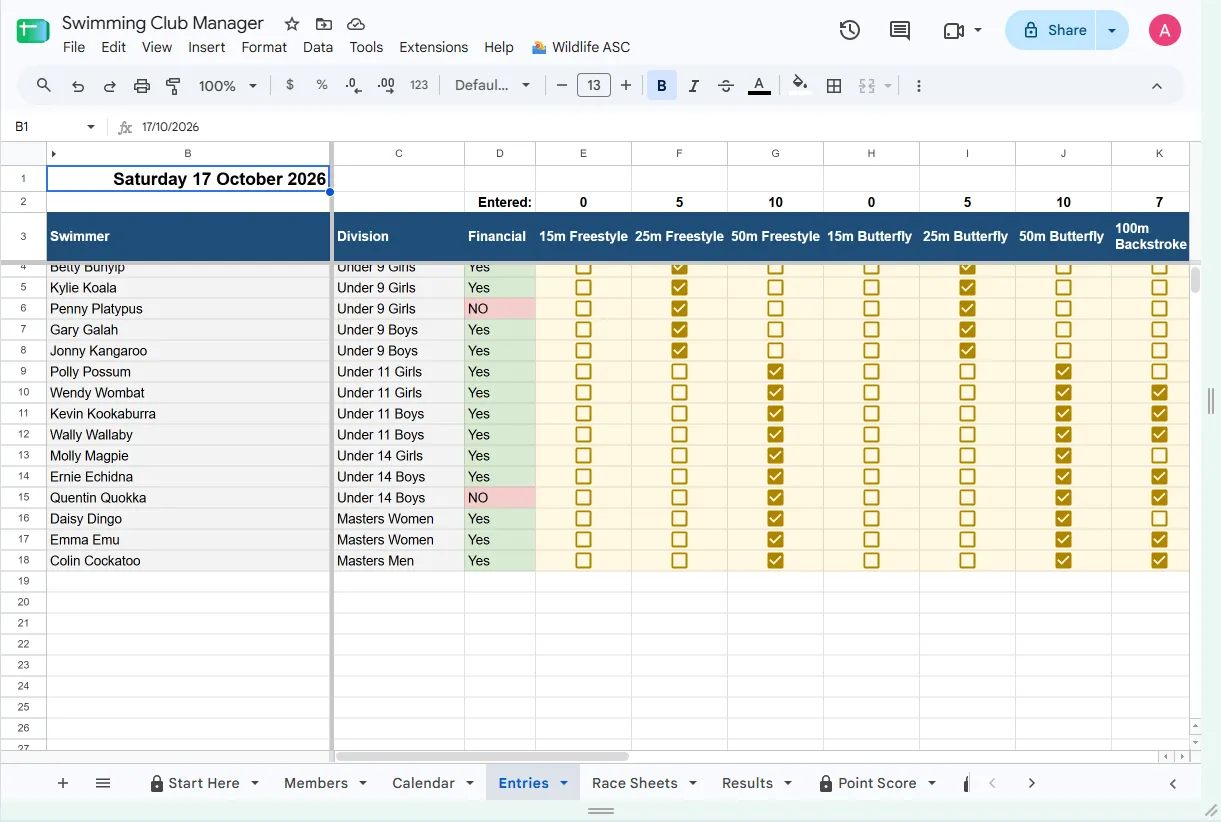
Prepare the entry sheet
Pick the meet date. Every member is listed with a tick box for each event on the day.
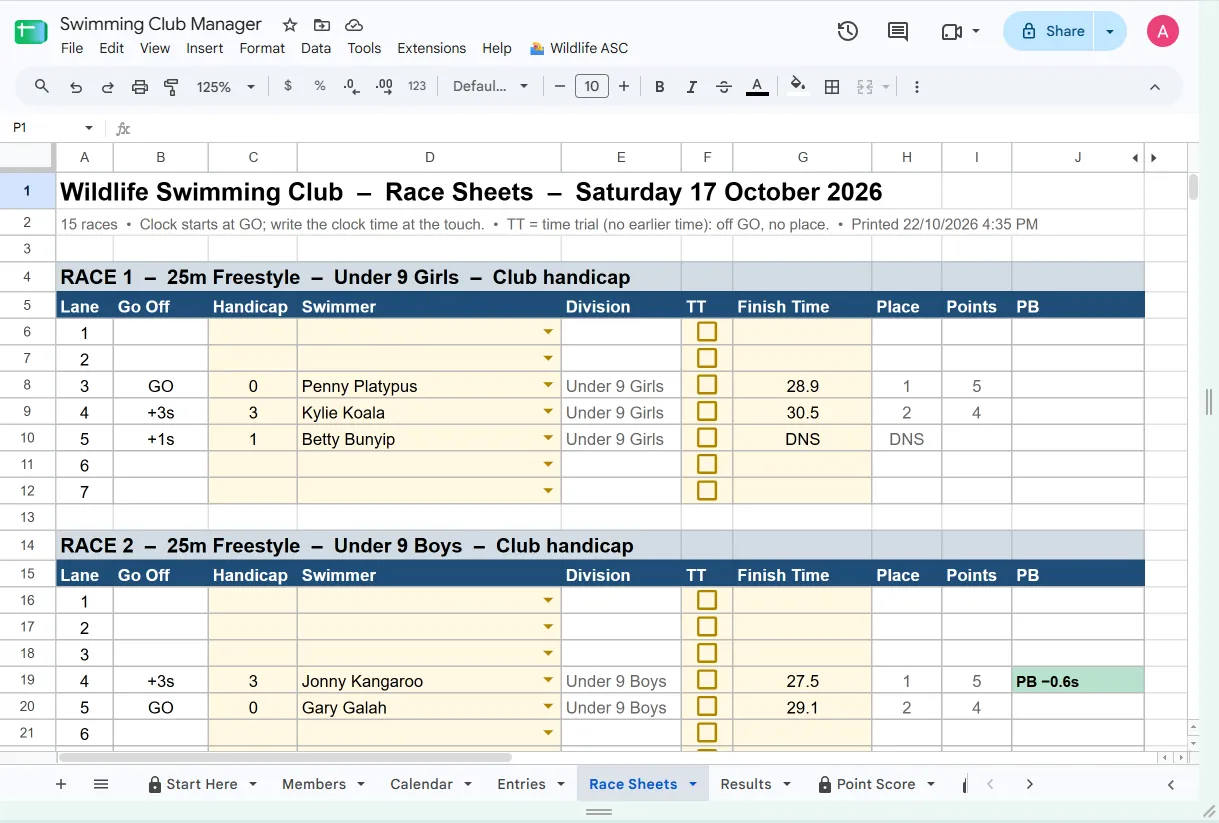
Build the race sheets
Races, heats, handicaps and lanes are worked out for you. Print and race.
Save the results
Type the clock times from the pool deck. Places, points and PBs follow.
What it does
Handicap, seeded or scratch
Handicaps from each swimmer's recent average, races seeded by time, or everyone off GO – for the whole club or event by event.
Heats and lanes done for you
Even heats, nobody left racing alone, and lanes centre-out (4, 5, 3, 6 …) or in order.
Your groups, your way
Age groups (Under 9, Under 10 …) or your own groups such as Junior, Senior and Masters; Female and Open categories (or Female and Male), raced together or apart.
Entry rules
Limit choices, for example any one of 100m or 200m, or a maximum number of events per meet.
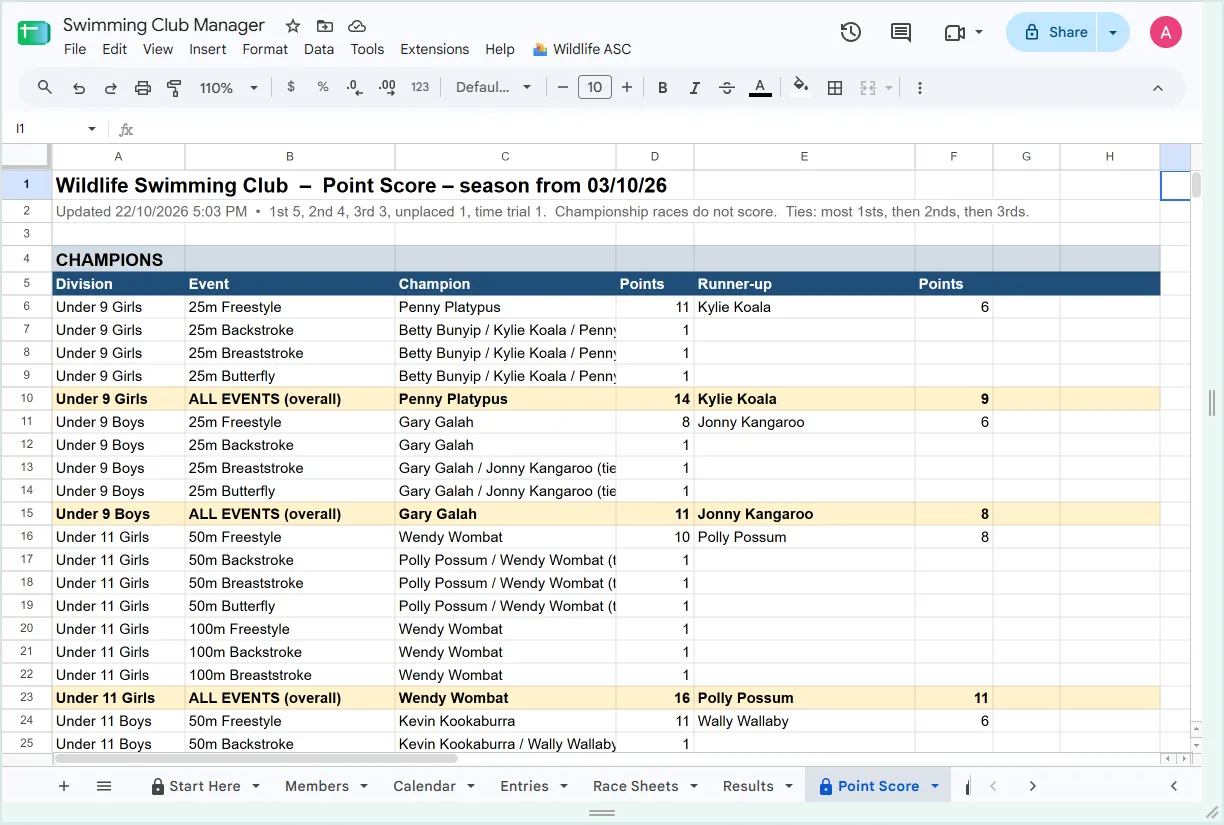
Season point score and PBs
Point score by division, a full point tally, a PB board for each meet, attendance and championship eligibility.
Championships
Championship days off scratch, with each swimmer placed in the race for their age.
Race sheet PDFs
Every saved meet keeps an A4 PDF of its race sheets in your Google Drive.
Your club's look
Your club's name, logo and colours on everything you print, set up in a simple Settings panel.
Is it right for you?
- You hold regular club meets, weekly or fortnightly
- You keep a list of members with dates of birth
- Timekeepers write clock times by hand at the touch
- You run a season point score
- Your club uses (or can use) a Google account
Your data
Your swimmers' details stay in your club's own Google Sheet. The add-on can only open the sheet it is used in and the files it creates (the race sheet PDFs). Nothing is sent to Pardalote Studio.
Price
Free
Highlights
Made in Australia
Built with real clubs, written in plain Australian English.
Your data stays yours
Works inside your own Google account. Nothing is sent to us.
Plain-English help
Step-by-step guides for volunteers, not IT staff, and support by email.
Questions
Do we need a Google account?
Yes. The add-on runs inside Google Sheets, so the person running meets needs a Google account. A club account is best, so the sheet stays with the club.
Can several volunteers use it?
Yes. Share the sheet with them as editors. Others can be given view-only access.
Can we try it before entering our members?
Yes. Load the demo club from the Setup menu to see a season of made-up results, then clear it when you are ready.
Does it work with touch pads or electronic timing?
No. It is made for hand timing: times are typed in from the race sheets.
Can we change settings during the season?
Yes. Each race keeps the format it was swum in, so results already saved are never changed.
What does it cost?
It is free. If paid features are ever added, you will be told well before any charge applies.